Write WeChat Articles: a Tokeny case study
Based on your topic and outline, AI writes beautifully formatted WeChat articles, exportable as Word or Markdown. Follow the recorded task, execution screenshots, actual files and verification notes.
By the Tokeny team · Windows · Tokeny 1.7.8 · gpt-6-sol
Prepare the inputs
Create a separate workspace in Tokeny, download and unpack the sample inputs, then select a model that supports tools. The sample uses synthetic data or the public sources named in the article.
- outline.md
Send the task to Tokeny
The original task was executed in Chinese. Copying these instructions reproduces the same task; the results below include an English report.
把团队的知识分享提纲写成适合公众号发布的长文:900–1200 个中文字,开头用具体问题引入,保留事实边界,附标题备选与摘要,同时导出 Word。

交付文件:article.md、article.docx。
验收要点:
- 文章包含异步准备、讨论与行动清单
- Word 是可读取的真实文档
- 不编造调研数据
这是使用合成演示输入或指定公开资料的真实操作案例。请先读取工作空间输入,再实际生成文件并自检。所有写入、脚本与临时服务限于当前工作空间;临时服务只监听 127.0.0.1,执行后关闭;不触达外部收件人、不发布、不付款、不更改系统设置,不调用子智能体。需要公开资料时可读取给定 URL。只启用完成任务必需的工具。另写 report.md(中文)和 report.en.md(英文),每份 400–800 字,包含输入、处理步骤、真实结果、检查方式和局限;失败或未验证部分如实记录,不能宣称成功。最终回复用中文列出产物、关键结果与待核实项。
Follow-up instructions after review (1)
已使用 Microsoft Word 原生渲染 article.docx,正文可读,但第一页主标题重复:已有居中的 Title,下方又出现同样的蓝色大标题。请删除重复标题,使用黑色标题与小标题,保持正文字数和内容不变。同步更新双语 report,说明文档排版修订,不必再按固定字数反复压缩报告。
The recorded run used an isolated demonstration workspace. Review the commands and file paths before approving operations in your own workspace.
What actually ran
The task was submitted through the Tokeny input box. An online model read the inputs and executed tools. This run covers the local sample task and its actual files. Results and checks are recorded below.
Results and verification
Input
This task used the files available in the workspace: outline.md and ENVIRONMENT.md. The outline specified the topic “one fewer meeting each week,” aimed at teams of no more than ten people. Its required points were sharing material before a meeting, collecting questions asynchronously, scheduling a 20-minute discussion only for disagreements, and naming an owner and a due date after the meeting. It also stated that examples must be fictional and that no unsupported efficiency percentage may be quoted. The environment note reported a Windows setup with python-docx and related document libraries prepared.
Processing Steps
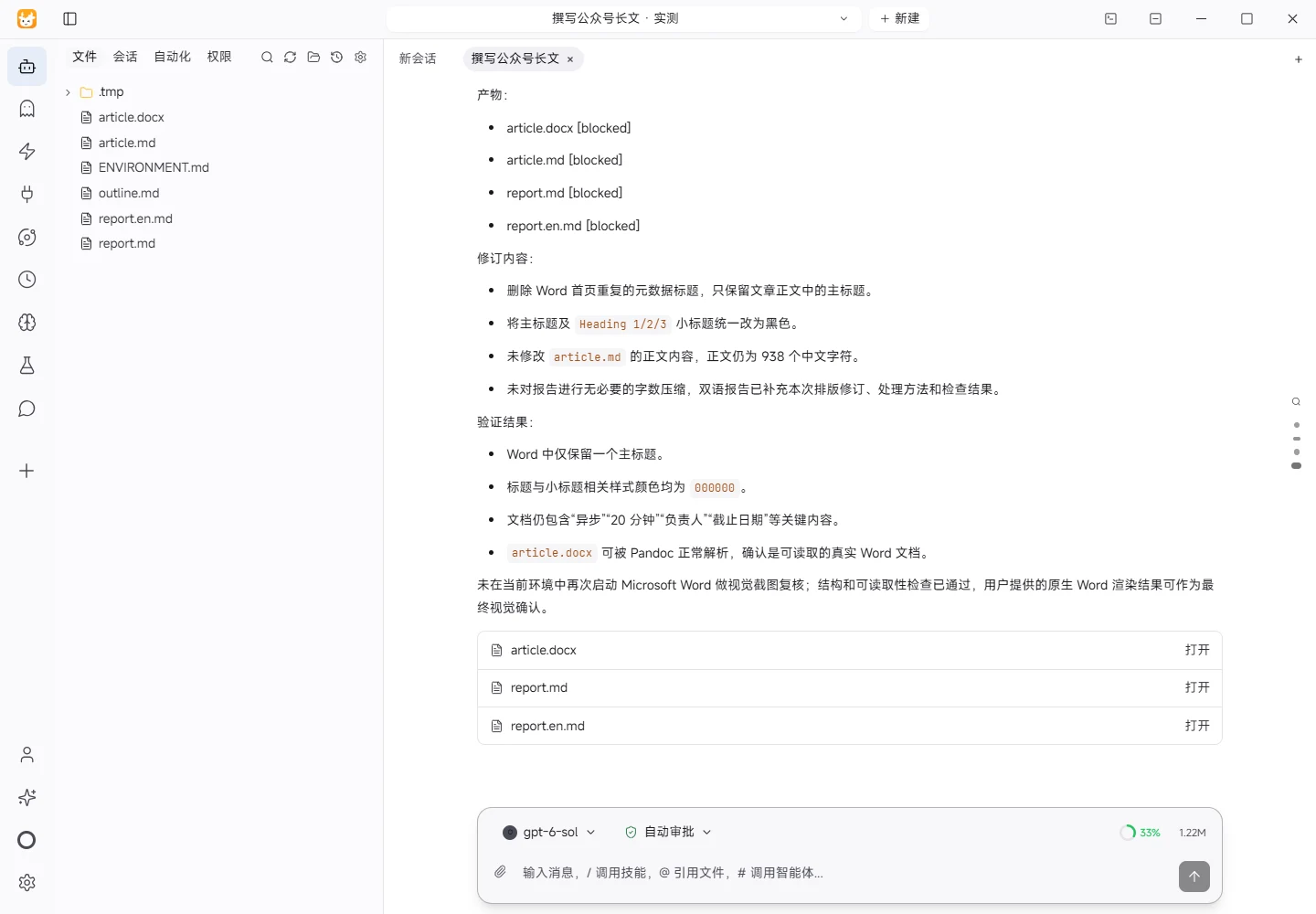
I read the input files first and confirmed that they contained no public research data and no URL to retrieve. I then organized the article around three stages: asynchronous preparation, focused discussion, and action tracking. I added alternative titles, a summary, and an action checklist. The opening uses a concrete question about what a meeting is supposed to resolve. The article distinguishes factual questions, individual preferences, and decisions that require a group. The fictional nature of the workflow example is stated explicitly, and no efficiency percentage or external finding was introduced. An initial attempt to use python-docx with the current Python interpreter showed that the dependency was not loaded, so I used local Pandoc to create the Word document and then verified its structure and readability. Its content follows the Markdown version.
Actual Results
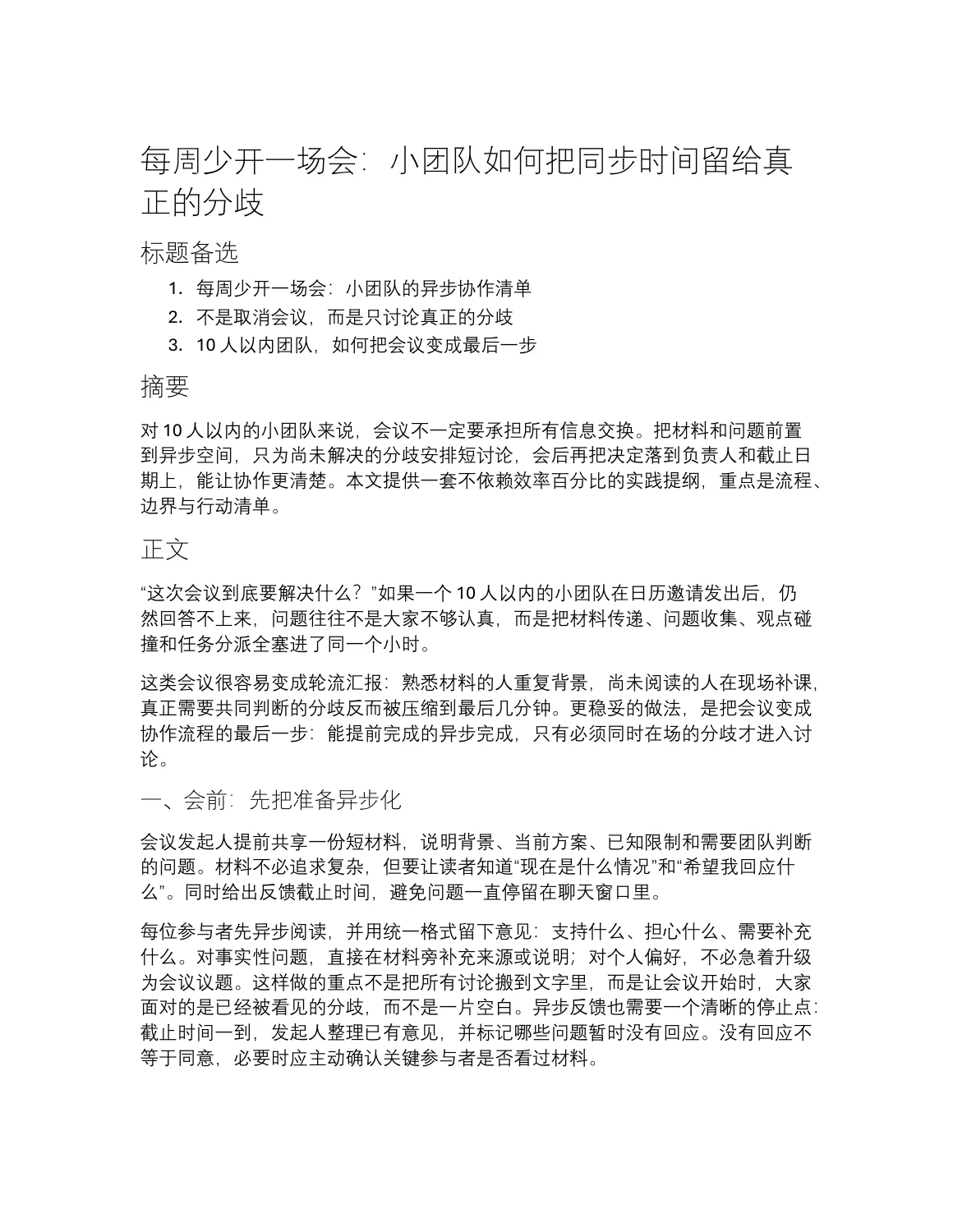
The workspace now contains article.md, article.docx, report.md, and report.en.md. The Word layout was revised by removing the duplicate metadata title from the first page and keeping the article's main heading as the single title. The main heading and subheadings were changed to black. The Markdown article content and character count were left unchanged. The Word output remains a standard .docx file containing alternative titles, the summary, sectioned article text, and the checklist.
Verification Method
I checked that the Markdown files exist and are UTF-8 text, and confirmed that the Markdown article was unchanged before and after the layout revision. Using Python, I read the .docx XML and verified that the first page retains one main title, that the title paragraph has the expected text, and that the Title, Heading1, Heading2, Heading3, and linked character styles use black text. I then confirmed that the document is non-empty, contains the key phrases for asynchronous work, 20 minutes, an owner, and a due date, and includes word/document.xml in its ZIP package.
Limitations
No external source, team interview, meeting observation, or controlled comparison was used. Therefore, this deliverable does not establish any specific productivity gain. The Word file received a basic structural and readability check, but it was not opened in every Office version or on mobile devices. The article is suitable as a WeChat public-account draft and a workflow discussion document; the team should still review permissions, time zones, and decision risk before publication.
Download and inspect the outputs
The archive contains the files created during this run. Use these checks when adapting the example to your own data.
- Reconcile the reported results against the downloadable sample inputs.
- Open the generated files and check the contents relevant to your task.
- Review the limitations and any unverified steps in the report.