Project Scaffolding: a Tokeny case study
Quickly build project frameworks from requirement descriptions, supporting React, Vue, Node.js, and more. Follow the recorded task, execution screenshots, actual files and verification notes.
By the Tokeny team · Windows · Tokeny 1.7.8 · gpt-6-sol
Prepare the inputs
Create a separate workspace in Tokeny, download and unpack the sample inputs, then select a model that supports tools. The sample uses synthetic data or the public sources named in the article.
- requirements.md
Send the task to Tokeny
The original task was executed in Chinese. Copying these instructions reproduces the same task; the results below include an English report.
为团队任务板创建无需网络安装的 Node.js 小项目:原生 HTTP 服务、静态前端、GET/POST /api/tasks、输入校验、内存存储和 node:test 测试;实际运行测试。

交付文件:package.json、server.mjs、public/index.html、test.mjs。
验收要点:
- npm test 成功
- 说明内存存储边界
- 测试非法 JSON 与空标题
这是使用合成演示输入或指定公开资料的真实操作案例。请先读取工作空间输入,再实际生成文件并自检。所有写入、脚本与临时服务限于当前工作空间;临时服务只监听 127.0.0.1,执行后关闭;不触达外部收件人、不发布、不付款、不更改系统设置,不调用子智能体。需要公开资料时可读取给定 URL。只启用完成任务必需的工具。另写 report.md(中文)和 report.en.md(英文),简洁、完整,包含输入、处理步骤、真实结果、检查方式和局限;失败或未验证部分如实记录,不能宣称成功。最终回复用中文列出产物、关键结果与待核实项。
Follow-up instructions after review (1)
复核 server.mjs 发现静态文件路径检查仅用 filePath.startsWith(PUBLIC_DIR),会把 public-other 这类相邻目录误认为 public 内。请修复边界为目录本身或带分隔符的子路径,并增加真实 HTTP 回归测试:正常首页可访问、编码的 ../public-other/ 文件不能读取。测试临时文件只在本工作空间创建并清理,保留已有功能。更新双语报告,不要求固定字数。
The recorded run used an isolated demonstration workspace. Review the commands and file paths before approving operations in your own workspace.
What actually ran
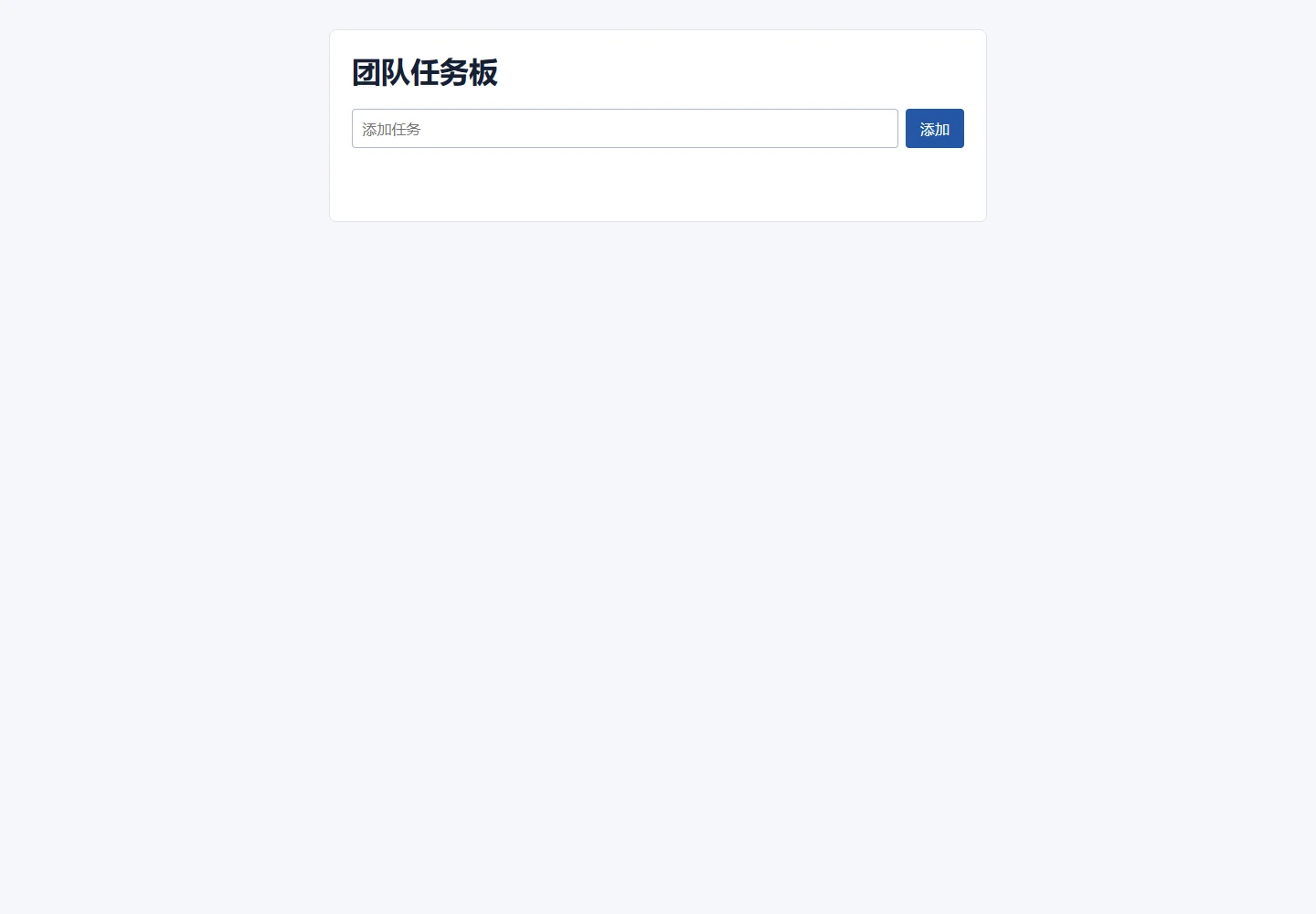
The task was submitted through the Tokeny input box. An online model read the inputs and executed tools. This run covers the local sample task and its actual files. Results and checks are recorded below.
Results and verification
Input
I read requirements.md: Node.js 22+; tasks contain id, title, and done; titles are 1–100 characters; invalid JSON returns 400; the server binds only to 127.0.0.1; the port comes from PORT; data is not persistent after shutdown. I also read ENVIRONMENT.md, which identifies this as an isolated Windows demo workspace.
Processing Steps
- Created
package.jsonwith no network dependencies and the built-in Node test runner. - Implemented a native HTTP server, static file serving,
GET/POST /api/tasks, JSON parsing, and input validation. - Added in-memory task storage with generated UUIDs and a default
done: false. - Added a static frontend and
node:testcoverage for success paths, invalid JSON, empty titles, the static page, and encoded traversal. - Fixed the static directory boundary so only the
publicdirectory itself or paths with its separator-prefixed child path are allowed; adjacent directories such aspublic-otherare rejected. - During the test, created
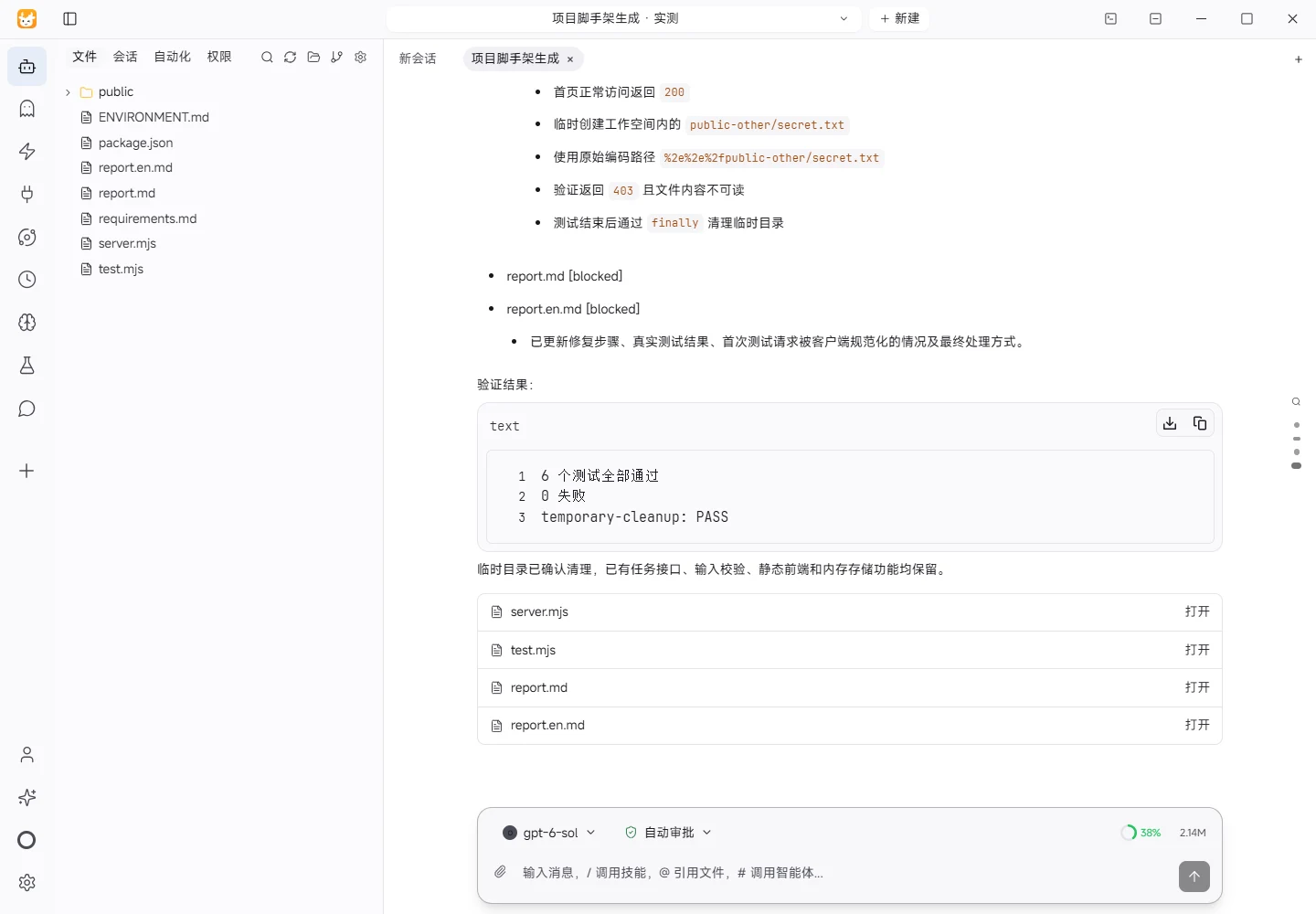
public-other/secret.txttemporarily inside the workspace and verified over real HTTP that encoded../public-other/secret.txtreturns 403, then removed the temporary directory. - Ran
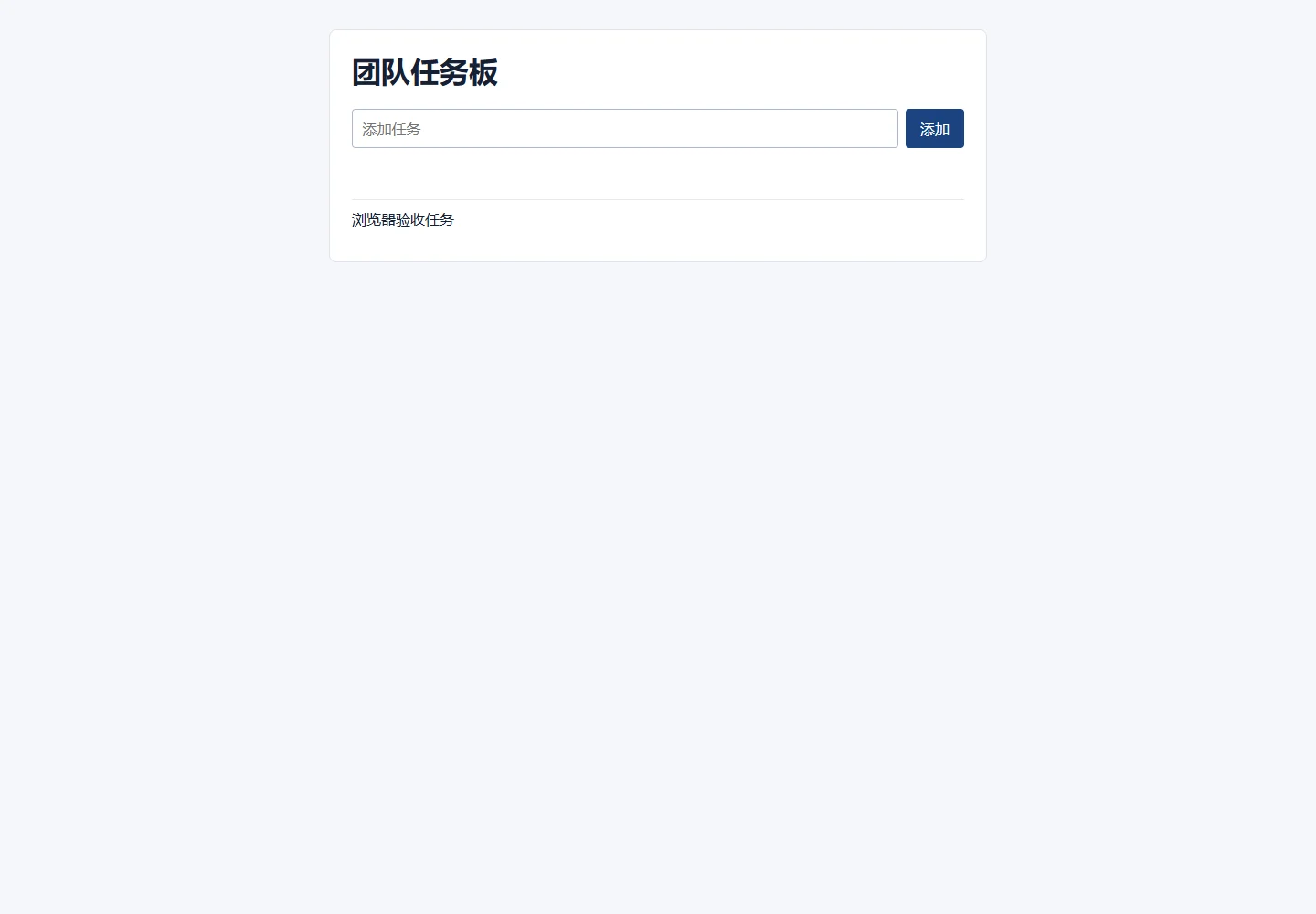
npm testand verified the API and page on a temporary local127.0.0.1port, then closed the server.
Actual Result
After the fix, npm test completed successfully: all 6 tests passed and 0 failed. Coverage includes the initial empty list, task creation and retrieval, invalid JSON returning 400, an empty title returning 400, the static homepage returning 200, and encoded traversal to a sibling public-other file returning 403. The first regression attempt used fetch, whose client-side URL normalization produced 404; the test was corrected to use http.request with the raw encoded path and then passed. A separate check confirmed that the temporary directory was removed.
Check Method
Run npm test. For manual use, run PORT=3000 npm start in Git Bash, or set PORT in Windows before running npm start, then open http://127.0.0.1:3000.
Limitations
Tasks exist only in process memory. They are lost when the server shuts down, crashes, or restarts. There is no database, authentication, concurrent persistence, cross-process sharing, task editing, or deletion. The frontend currently lists and adds tasks but does not toggle completion.
Download and inspect the outputs
The archive contains the files created during this run. Use these checks when adapting the example to your own data.
- Reconcile the reported results against the downloadable sample inputs.
- Open the generated files and check the contents relevant to your task.
- Review the limitations and any unverified steps in the report.